7 Practical AI Agent Workflows for Small Businesses
· 11 min read
Vyom Solution
Founder & Lead Designer
Vyom Solution is a web studio based in India, designing and building custom websites for founders worldwide.
Long-form companion
Want the full story, examples, and context? Read 7 Practical Ways Small Businesses Can Use AI Agents Today on the blog.
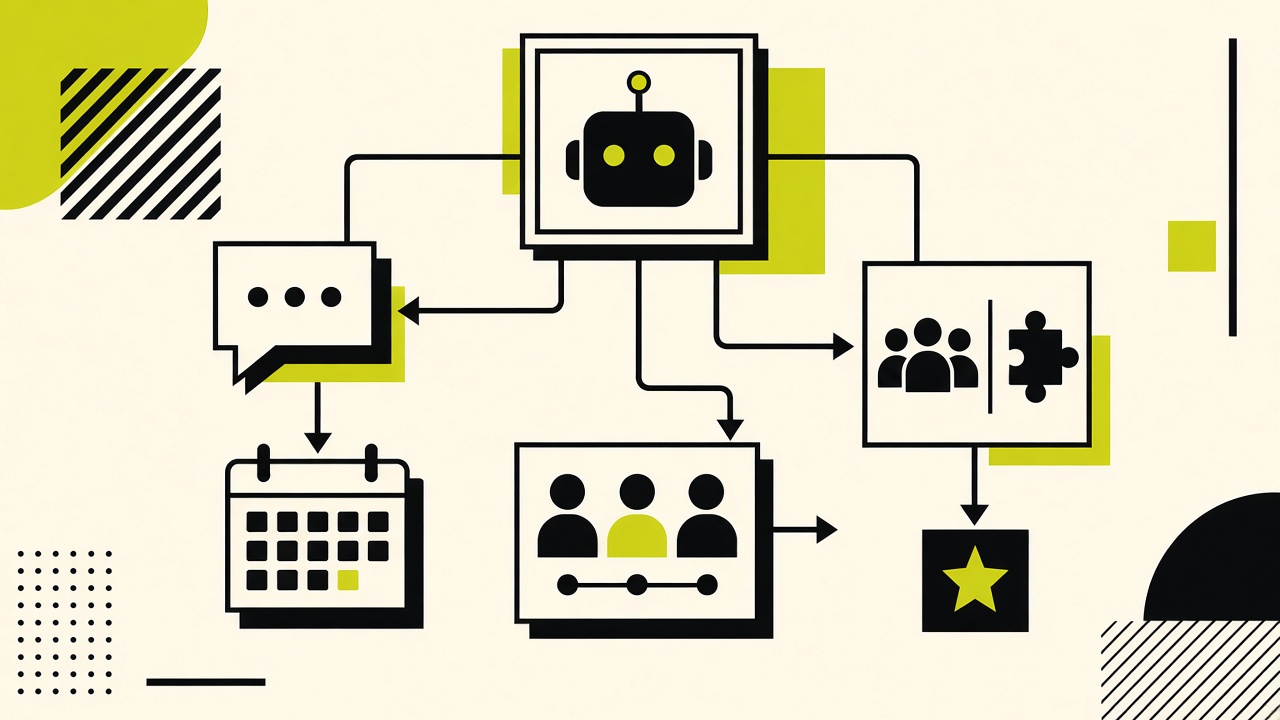
An AI agent is not a chatbot that only talks — it is a system that can call tools: search your FAQ, draft a reply, tag a lead, or book a slot within rules you define.
These seven workflows are ordered from safest to most ambitious. Implement one completely before stacking the next.
▪Workflow 1 — After-hours lead capture
Trigger: visitor submits contact form outside business hours. Agent acknowledges, asks two qualifying questions, logs to CRM, notifies owner on WhatsApp.
- ✓Tools: form webhook, CRM API, messaging API
- ✓Guardrail: never promise pricing not in your rate card
- ✓Success metric: 100% of after-hours leads tagged within 5 minutes
▪Workflow 2 — FAQ deflection on site chat
Trigger: chat message matches FAQ intent. Agent answers from approved snippets only; escalates unknowns to email.
- ✓Tools: vector search over FAQ doc, chat widget
- ✓Guardrail: cite source doc ID in internal log
- ✓Success metric: ≥ 40% chats resolved without human
▪Workflow 3 — Multilingual first response
Trigger: message language detected as Hindi or Hinglish. Agent replies in the same language using approved bilingual snippets.
- ✓Tools: language detection, translation with human-reviewed glossary
- ✓Guardrail: legal and refund answers only from fixed strings
- ✓Success metric: customer continues thread without asking for English
▪Workflow 4 — Lead scoring from form text
Trigger: new CRM lead. Agent reads free-text field, assigns hot/warm/cold, adds reason note.
- ✓Tools: CRM write, classification prompt with examples
- ✓Guardrail: human reviews all “hot” tags daily
- ✓Success metric: sales opens hot queue first each morning
▪Workflow 5 — Quote request assembly
Trigger: “pricing” intent. Agent collects scope fields your estimator needs, drafts internal summary for human quote.
- ✓Tools: structured form, doc template
- ✓Guardrail: agent sends ranges only if pre-approved
- ✓Success metric: quotes sent same day for complete requests
▪Workflow 6 — Meeting scheduling
Trigger: qualified lead agrees to call. Agent offers three slots from calendar, books, sends confirmation.
- ✓Tools: Google Calendar / Cal.com API
- ✓Guardrail: buffer time between meetings enforced
- ✓Success metric: no double bookings in 30 days
▪Workflow 7 — Post-delivery check-in
Trigger: project marked complete in PM tool. Agent sends satisfaction pulse after 7 days; escalates detractors to founder.
- ✓Tools: PM webhook, email, ticket creation
- ✓Guardrail: one follow-up only unless customer replies
- ✓Success metric: ≥ 50% response rate on check-ins
▪Action Steps
- 1
Pick Workflow 1 or 2 — highest ROI, lowest risk.
- 2
Write a one-page FAQ or rate card agents must not exceed.
- 3
Log every failure for two weeks; tune prompts before adding tools.
- 4
Read the small business agents blog post for narrative examples.
▪Frequently Asked Questions
Do I need a custom model?+
No. Start with a hosted model plus strict tool limits and approved content.
What about data privacy?+
Do not send payment or health data to third-party models; keep PII in your CRM and pass only IDs to agents.
Can Vyom build this for us?+
Yes — see AI Solutions on Services or contact us for a scoped agent rollout.