7 Practical Ways Small Businesses Can Use AI Agents Today
9 October 2026 · 9 min read
Vyom Solution
Founder & Lead Designer
Vyom Solution is a web studio based in India, designing and building custom websites for founders worldwide.
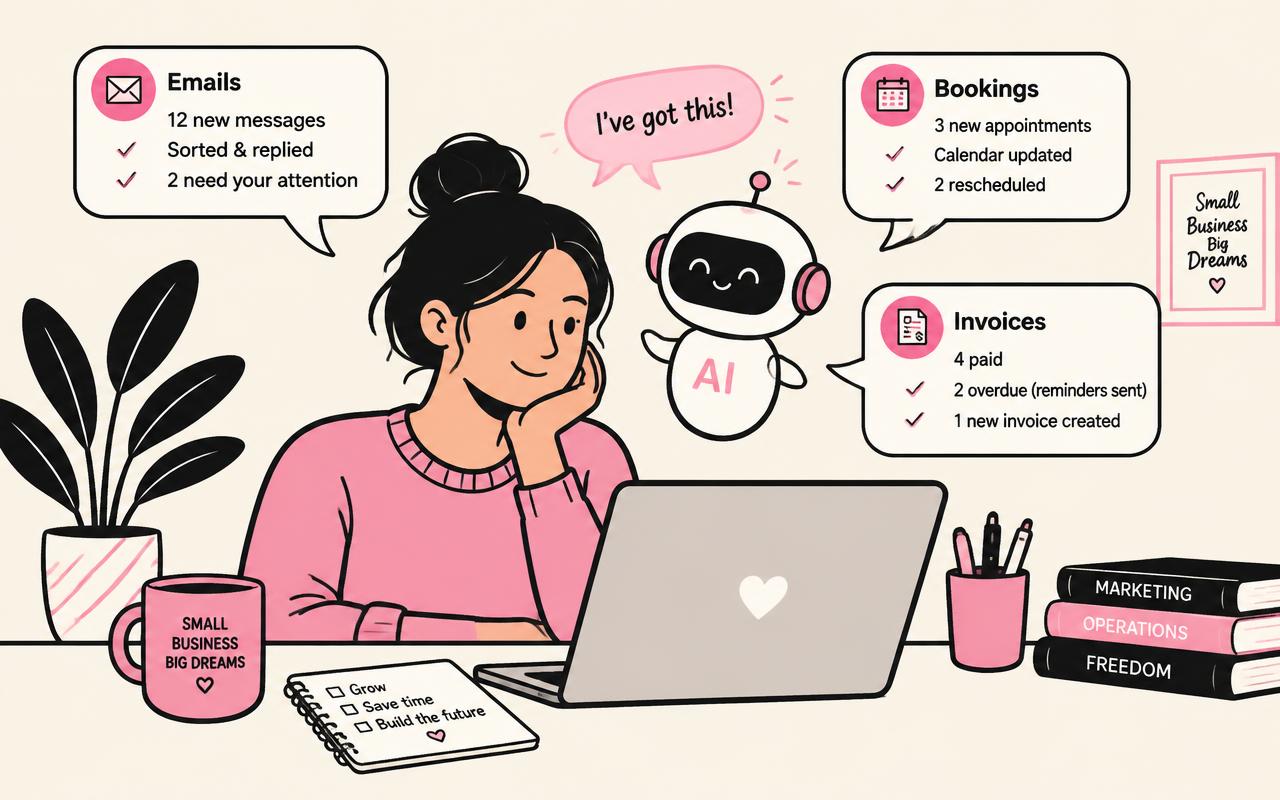
Small businesses don't need an AI strategy deck. They need two hours back every day. AI agents are the first tool that can realistically give them that.
Below are seven workflows we see working for owners right now, ranked from easiest to most advanced. New to the idea? Start with our beginner's guide to AI agents.
▪The seven workflows at a glance
Estimated weekly time saved is based on a typical owner-run business with a handful of staff.
| Workflow | What the agent does | Difficulty | Time saved / week |
|---|---|---|---|
| Inbox triage | Sorts, labels and drafts replies | Easy | 3–5 hrs |
| Booking assistant | Answers availability, books slots | Easy | 2–4 hrs |
| Review replies | Drafts responses to Google reviews | Easy | 1 hr |
| Lead qualifier | Asks questions on your site, scores leads | Medium | 2–3 hrs |
| Invoice chaser | Sends polite reminders on overdue bills | Medium | 1–2 hrs |
| Content drafter | Turns notes into blog/social drafts | Medium | 3 hrs |
| Weekly report | Pulls numbers into one summary | Advanced | 2 hrs |
▪1–3: Start with the inbox, bookings and reviews
These three are low-risk because a human still clicks send. The agent reads, sorts and drafts; you approve. Most owners see the biggest relief here first.
- ✓Inbox: flag urgent mail, archive newsletters, draft replies to common questions
- ✓Bookings: connect a calendar so the agent offers real open slots
- ✓Reviews: draft a warm, specific reply to every review within a day
▪4: Turn your website into a lead qualifier
A website contact form collects a name and an email. An agent on your site can ask budget, timeline and goal, then route hot leads straight to your phone. This only works if the site itself converts — which is why we wrote why your website should sell, not just sit there.
▪5–7: Money, content and reporting
Invoice reminders, content drafts and weekly reports need access to more of your data, so set them up after the easy wins. Keep payments read-only: the agent can remind, never charge.
For content, pair the agent with a clear voice guide — our piece on copywriting before design explains why words should come first.
▪Action Steps
- 1
Audit one week: note every task you repeat more than three times.
- 2
Pick the top two: start with inbox and bookings.
- 3
Give read-only access first: upgrade permissions only after trust is earned.
- 4
Review every draft for 14 days: then relax approval on the safest tasks.
- 5
Add your website last: a lead-qualifying agent needs a page that converts.
▪Frequently Asked Questions
How much do AI agents cost for a small business?+
Many simple agent tools cost less than a part-time hire's single day per month. Custom agents built into your website cost more upfront but are yours to keep.
Will an agent replace my staff?+
In small teams it usually removes the boring part of a job, not the job. Staff spend more time with customers and less on admin.
Can an AI agent work on my website?+
Yes — as a chat assistant, a booking helper or a lead qualifier. Talk to us if you want one built into your site.