How to Secure Your Website: Practical Layers
· 10 min read
Vyom Solution
Founder & Lead Designer
Vyom Solution is a web studio based in India, designing and building custom websites for founders worldwide.
Long-form companion
Want the full story, examples, and context? Read How to Secure Your Website: A Practical Checklist for Founders on the blog.

Security is layers, not a plugin. Each layer is cheap alone; together they stop most opportunistic attacks that hit small business sites.
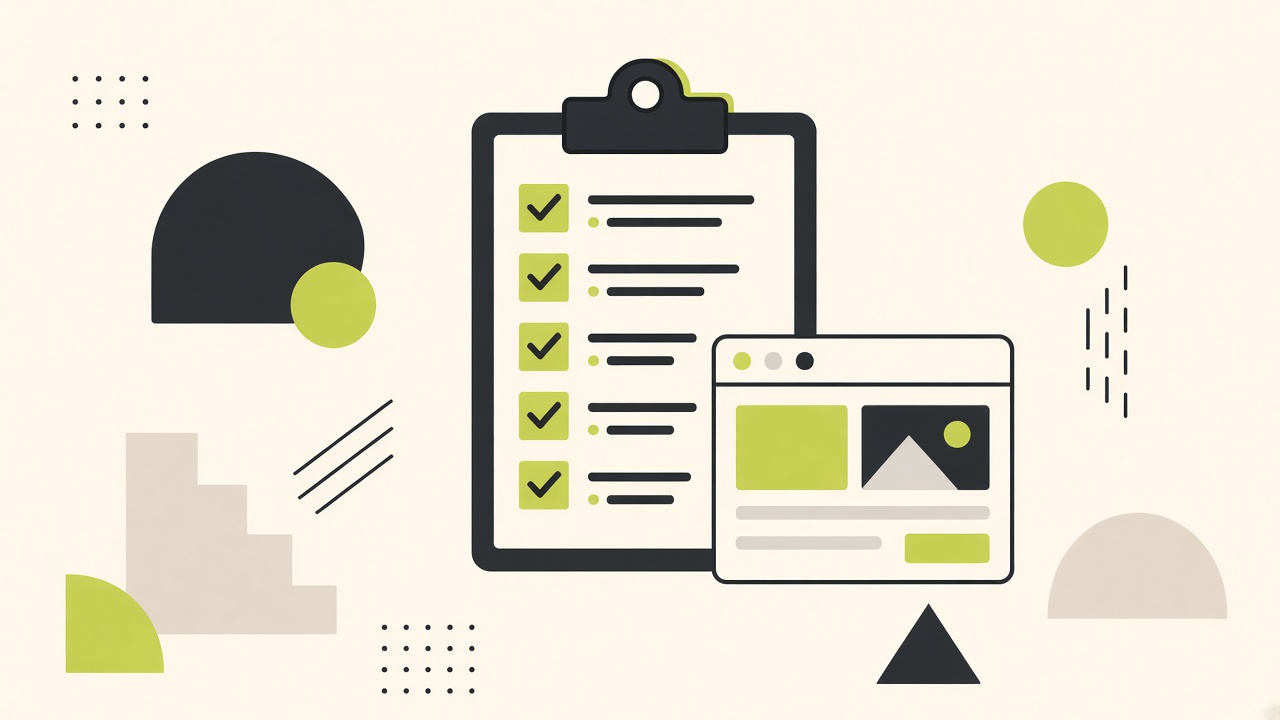
Run this list top to bottom. If you fail backups or MFA, fix those before worrying about exotic threats.
▪Layer 1 — Transport and DNS
HTTPS everywhere, HSTS when stable, DNS managed with 2FA on the registrar.
- ✓Valid TLS cert; auto-renew configured
- ✓HTTP → HTTPS redirect on all hosts
- ✓No shared registrar login without MFA
▪Layer 2 — Access control
Fewer admin accounts, strong MFA, no shared passwords in Slack.
- ✓MFA on CMS, hosting, DNS, and email
- ✓Remove unused admin users and API keys
- ✓Separate staging credentials from production
▪Layer 3 — Patch and dependency hygiene
Outdated WordPress plugins and runtimes cause most compromises we see on legacy stacks.
If you run PHP, see also our 2026 PHP critical security update guide.
- ✓Auto-updates or monthly patch window
- ✓Remove unused plugins and themes
- ✓Pin dependencies in modern apps; review CVE alerts
▪Layer 4 — Backups and restore
A backup you have never restored is a wish. Test quarterly.
- ✓Daily automated backups off-site
- ✓One documented restore run this quarter
- ✓Backup encryption and access logging enabled
▪Incident response mini-playbook
If defaced or phishing pages appear:
- ✓Take site offline or enable maintenance mode
- ✓Rotate all passwords and API keys
- ✓Restore from last known-good backup
- ✓Scan logs; patch entry vector before re-opening
- ✓Notify customers if data was accessed
Hosting support: ___________
DNS provider: ___________
Backup vault login: ___________
Last restore tested: ___________▪Action Steps
- 1
Enable MFA on every admin surface today.
- 2
Schedule monthly patch Tuesday for CMS/plugins.
- 3
Run a backup restore to staging; time how long it takes.
- 4
Full narrative: website security blog checklist.
▪Frequently Asked Questions
Do I need a Web Application Firewall?+
Helpful on WordPress and high-traffic apps; less critical on static marketing sites with no admin on production.
Is shared hosting insecure?+
It can be fine with MFA, patches, and backups. Risk rises with many unmaintained plugins on one server.
What about AI-generated malware scans?+
Use them as hints only; verify with your host and file integrity checks.